Original: $99.00
-70%$99.00
$29.70The Story
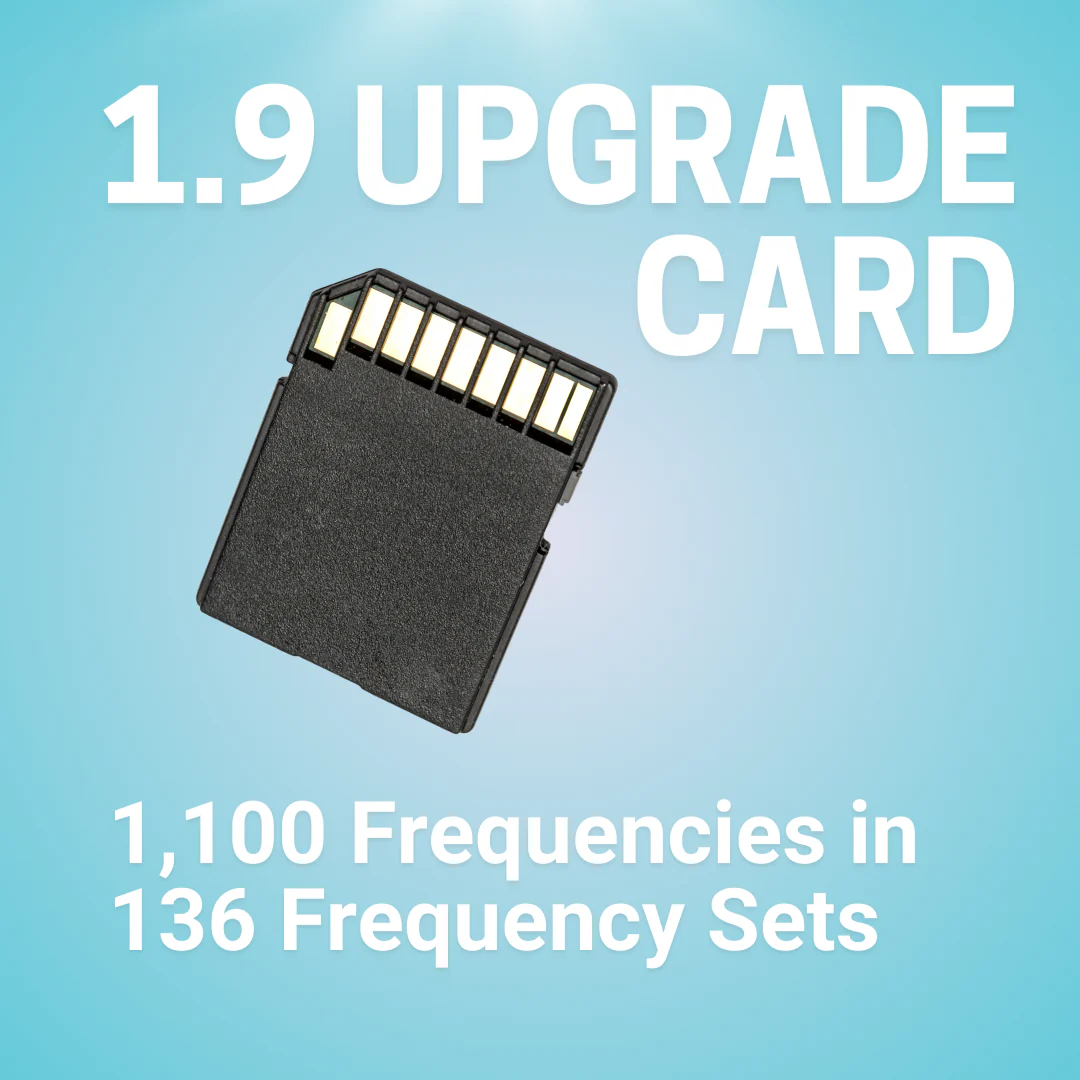
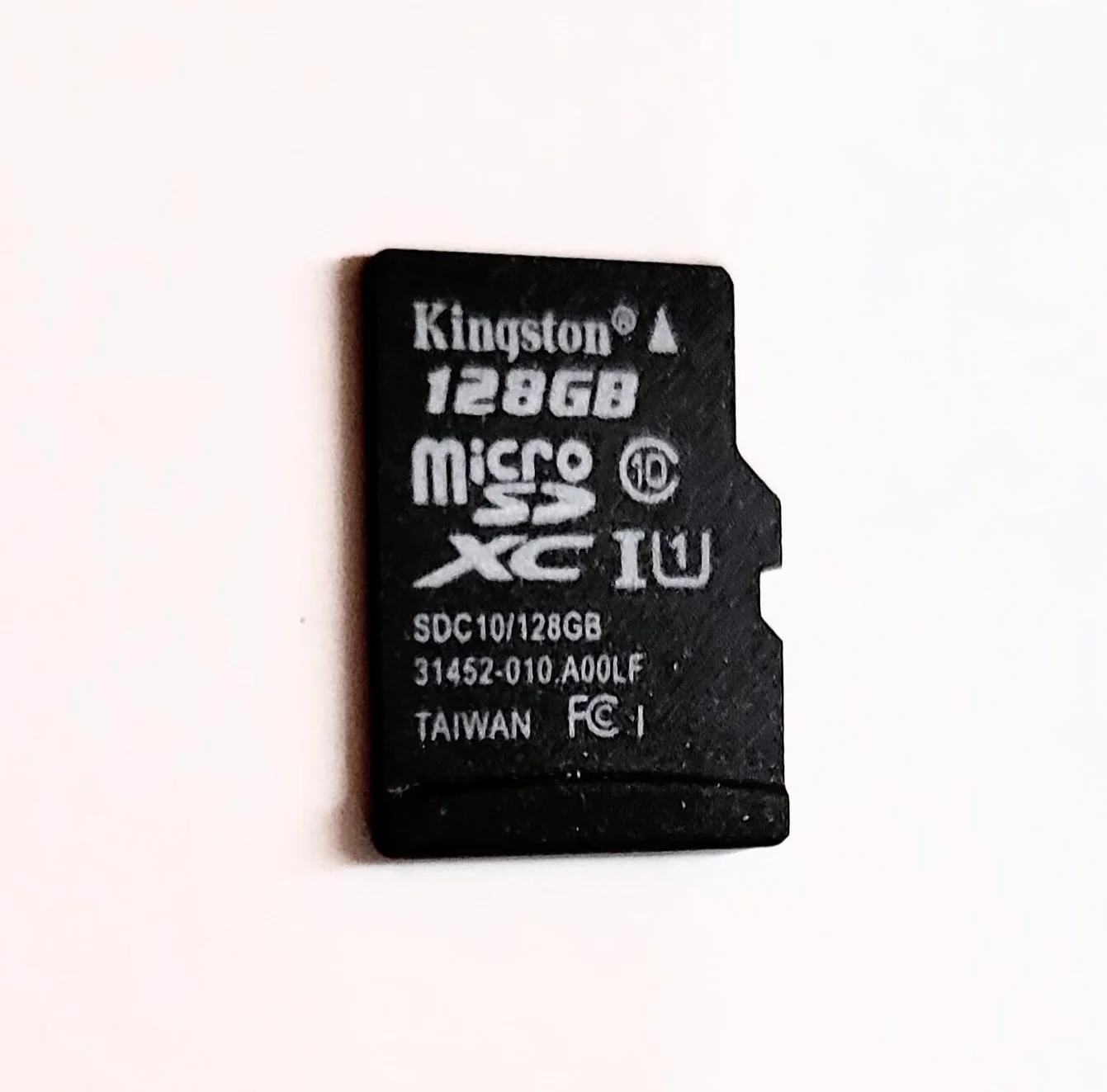
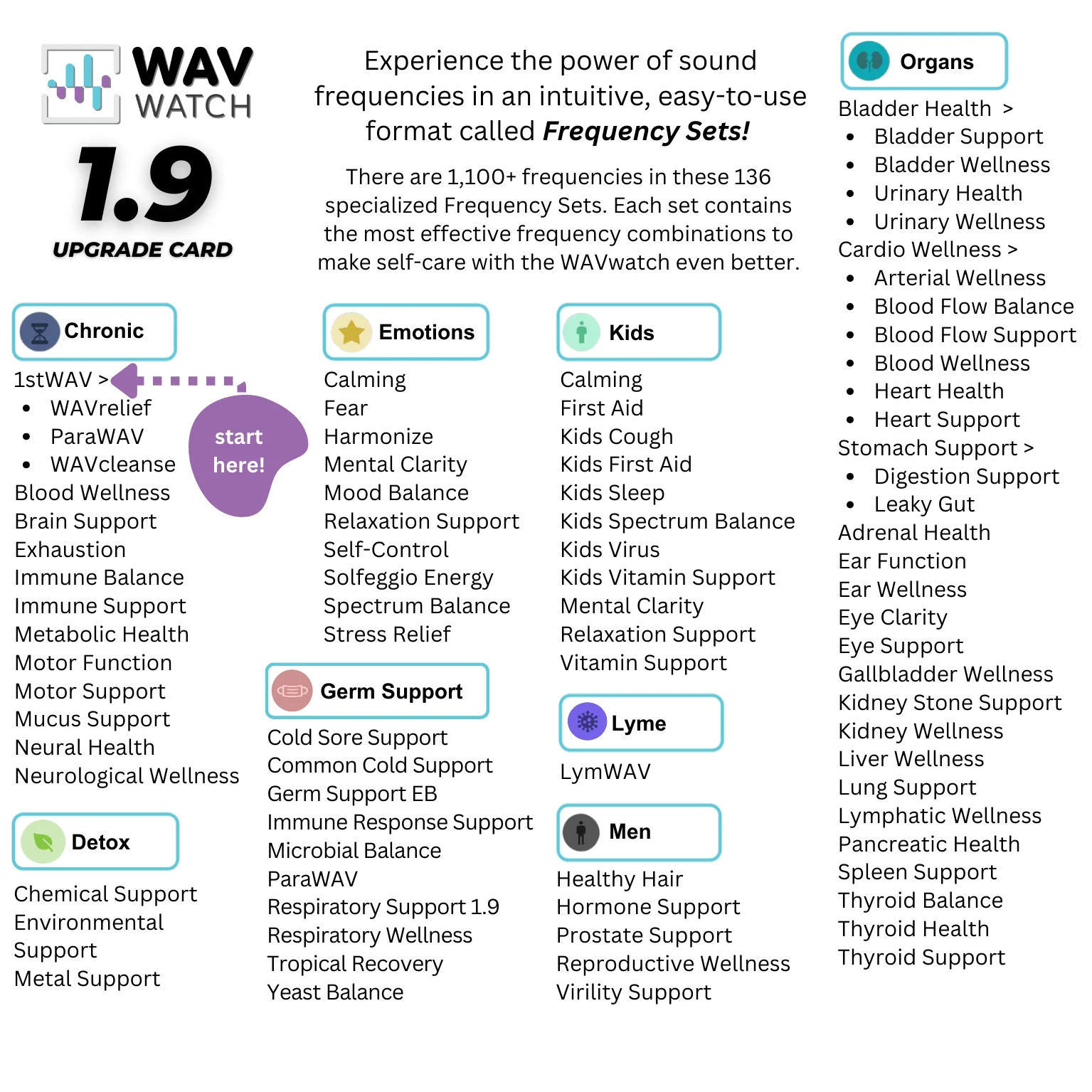
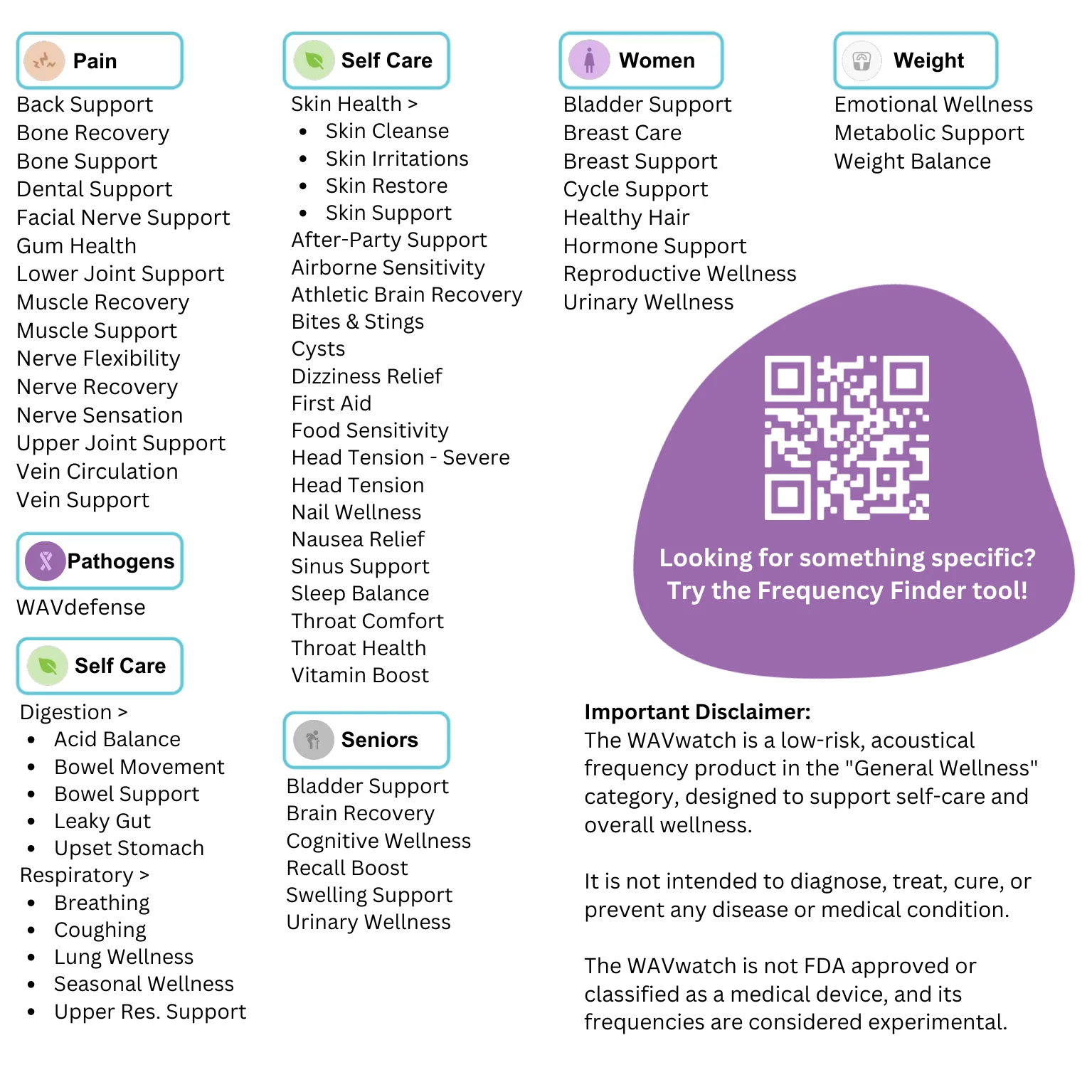
This 1.9 upgrade card gives WAVwatch 1.0 owners over 1,100 Frequencies organized in 136 Frequency Sets for ease of use!
If your unit was purchased before 2023, this upgrade card will not work in your device.
Upgrading your card is a simple process:
- Press in on the memory card (black rectangle next to the charging port, see 3rd picture) then release.
- The SD card will then poke out of the device, remove it fully.
- Make sure the metal pads are face up towards the screen before inserting the new card into the device. You will need to press the card further into the device until the card latches. You should hear or feel a click.
Details & Craftsmanship
Every detail has been carefully considered to bring you the perfect product.
Details & Craftsmanship
Every detail has been carefully considered to bring you the perfect product.
Details & Craftsmanship
Every detail has been carefully considered to bring you the perfect product.
Details & Craftsmanship
Every detail has been carefully considered to bring you the perfect product.
Description
This 1.9 upgrade card gives WAVwatch 1.0 owners over 1,100 Frequencies organized in 136 Frequency Sets for ease of use!
If your unit was purchased before 2023, this upgrade card will not work in your device.
Upgrading your card is a simple process:
- Press in on the memory card (black rectangle next to the charging port, see 3rd picture) then release.
- The SD card will then poke out of the device, remove it fully.
- Make sure the metal pads are face up towards the screen before inserting the new card into the device. You will need to press the card further into the device until the card latches. You should hear or feel a click.